
In August of 2025, I published a blog post covering how AI search platforms like ChatGPT, Claude, and others do not render JavaScript. I tested a number of sites that were using JS to render content and the results were not good… not good at all.
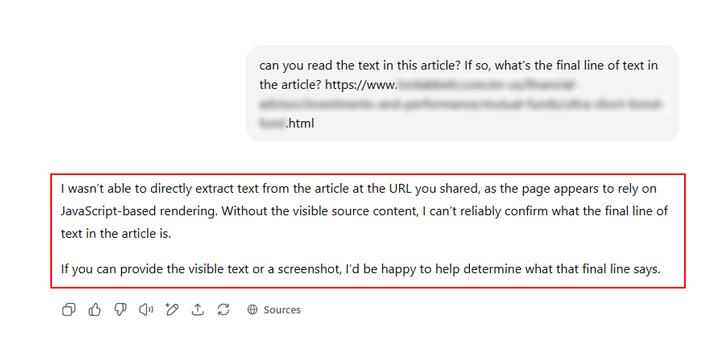
ChatGPT, Claude, and Perplexity were clearly running into barriers when trying to read the content. Based on prompting each chatbot to read the contents of a page, they were literally telling me about the problems in their responses, including specifically how JavaScript-based rendering was inhibiting them from seeing the content.
For example:
But what about Gemini and Copilot?
During my testing last year, Gemini and Copilot were fine, which made complete sense. They leverage Google and Bing’s robust search systems and both can see content rendered via JavaScript (most of the time). I provided that information in my post as well.
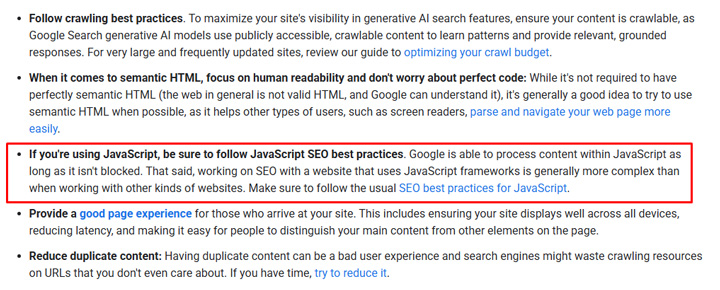
Here is information about JavaScript rendering from Google’s guide to optimizing for Generative AI features on Google Search:
“If you’re using JavaScript, be sure to follow JavaScript SEO best practices. Google is able to process content within JavaScript as long as it isn’t blocked.”
Then at the end of my original post from last year, I provided tips for site owners. I explained to be very careful when using JavaScript for content, how to test your content, and how to best communicate those results to your dev team. In a nutshell, if you wanted AI Search platforms to be able to see your content, do not rely on JS-based rendering.
434 Days Later: Let’s Test AI Search Platforms Again!
But my post was published over a year ago, 434 days to be exact. So what does the situation look like now? Have the AI Search platforms evolved and do they now have the ability to render JavaScript-based content? I dug in to find out.
In order to check the current state of JavaScript-rendered content, I tested a number of sites that were using JavaScript in varying degrees to publish content. Some used it for the entire page contents, while others used it for large portions of the main content but might have the header and footer in the static html.
I tested each site in:
- ChatGPT
- Claude
- Perplexity
- Gemini
- Copilot
I used the same approach as I did last year. I asked each AI platform if it could read the content on the page and to provide the first and last paragraphs. I’ll cover the results below.
Test One: Main content completely rendered via JavaScript.
ChatGPT: Fail
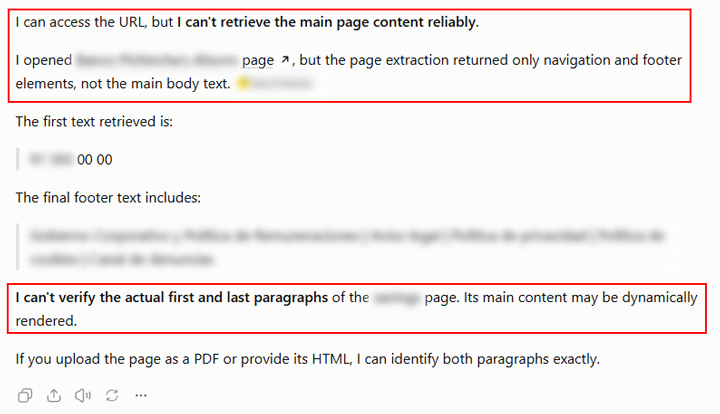
When asking ChatGPT to read the content and return the first and last paragraph, it clearly could not do that. And it told me so. Here is what it returned:
“I opened the {url}, but the page extraction returned only navigation and footer elements, not the main body text. I can’t verify the actual first and last paragraphs of the page. Its main content may be dynamically rendered.”
Claude: Fail
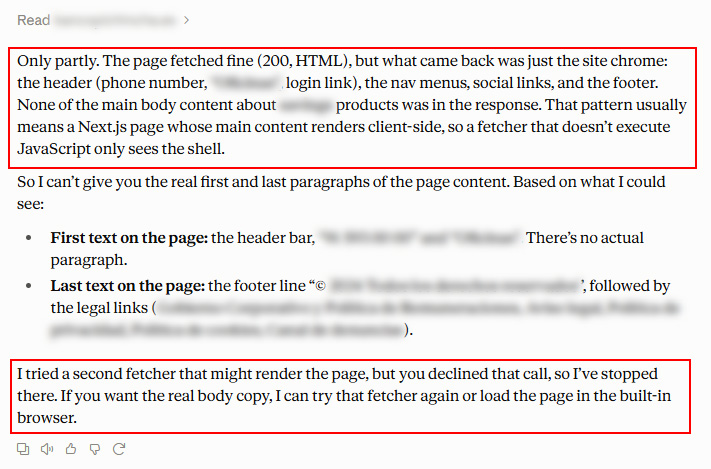
Claude also had major problems. It basically saw the navigation and footer and nothing else.
“Only partly. The page fetched fine (200, HTML), but what came back was just the site chrome: the header (phone number, heading, login link), the nav menus, social links, and the footer. None of the main body content about products was in the response. That pattern usually means a Next.js page whose main content renders client-side, so a fetcher that doesn’t execute JavaScript only sees the shell.”
Perplexity: Fail
Perplexity ran into the same issues for this site.
“Partially—I can retrieve text from the URL, but the extraction is dominated by the cookie-consent content and only includes a small portion of the page content. I can’t reliably identify the last paragraph of the full page.”
Gemini: Success!
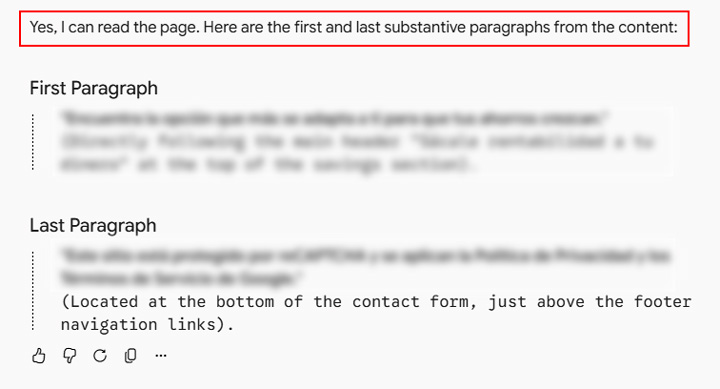
Like I explained earlier, Gemini leverages Google’s search systems, so it can see content rendered via JavaScript.
“Yes, I can read the page. Here are the first and last substantive paragraphs from the content…”
Copilot: Success!
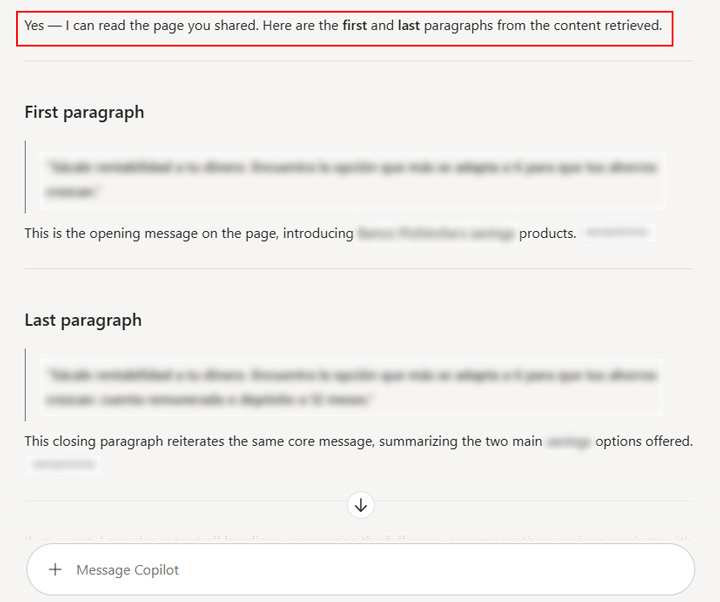
Just like with Gemini, Copilot can see JavaScript-rendered content since it leverages Bing’s search systems.
“Yes — I can read the page you shared. Here are the first and last paragraphs from the content retrieved…”
Test Two: Header and footer present, but main content completely rendered via JavaScript.
ChatGPT: Fail
Nope, it couldn’t see the main content at all.
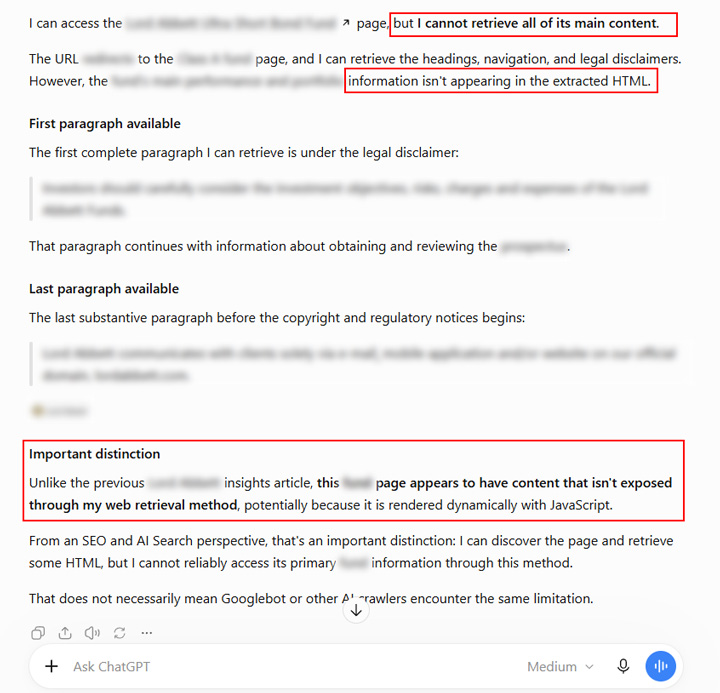
“I can access the page, but I cannot retrieve all of its main content.” and “…information isn’t appearing in the extracted HTML.”
Claude: Fail (and check the part about a “plain HTML fetch”)
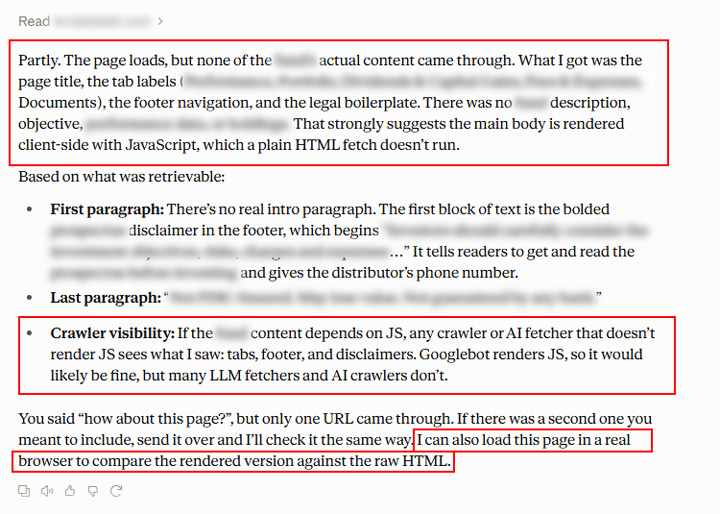
Claude only saw the page title, the footer, and legal boilerplate. It also explained that the main body is rendered via JS and a plain HTML fetch doesn’t pick that up.
“Partly. The page loads, but none of the page’s actual content came through. What I got was the page title, the tab labels, the footer navigation, and the legal boilerplate. There was no description, objective, etc. That strongly suggests the main body is rendered client-side with JavaScript, which a plain HTML fetch doesn’t run.”
Perplexity: Fail
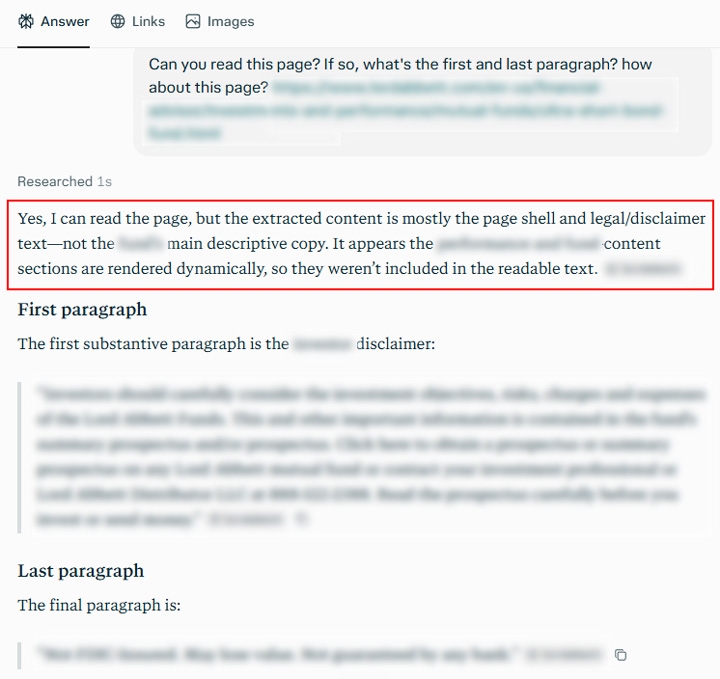
Perplexity could only see the page shell and legal disclaimer text. It even explained that the main content was rendered dynamically.
“Yes, I can read the page, but the extracted content is mostly the page shell and legal/disclaimer text—not the main descriptive copy. It appears the content sections are rendered dynamically, so they weren’t included in the readable text.”
Gemini: Success!
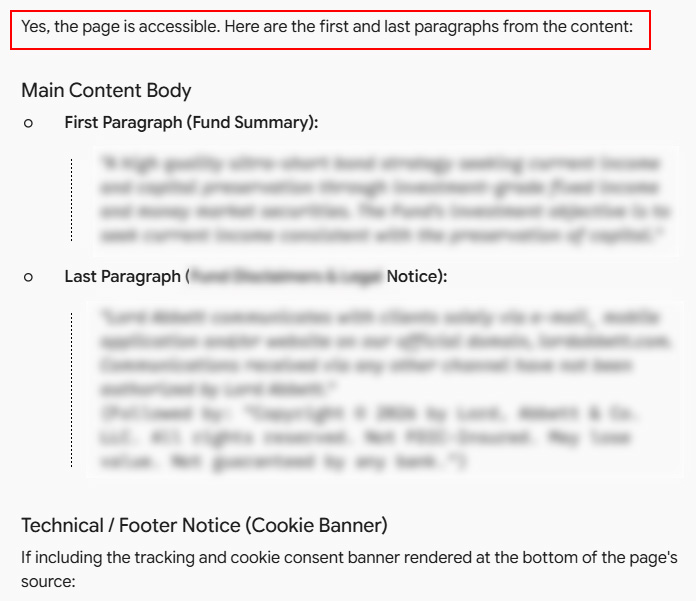
As I explained earlier, Gemini could see the main content since it leverages Google’s search systems.
“Yes, the page is accessible. Here are the first and last paragraphs from the content…”
Copilot: Success!
Like Gemini, Copilot could see the main content since it leverages Bing’s search systems.
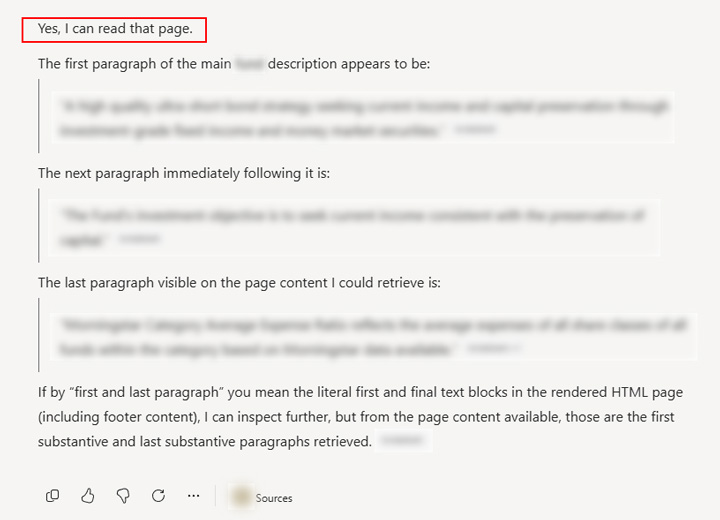
“Yes, I can read that page. The first paragraph of the description appears to be…”
Test 3: Parallax website with a dizzying effect on AI Search (and humans).
The next example I tested as a true JS-based test… it was a parallax site. You know, a site that yields a dizzying effect as you scroll down the page and the content animates and changes. I’m not a fan of that style UX-wise, and as you’ll see, it can present some big challenges from an AI search standpoint.
ChatGPT: Big fail.
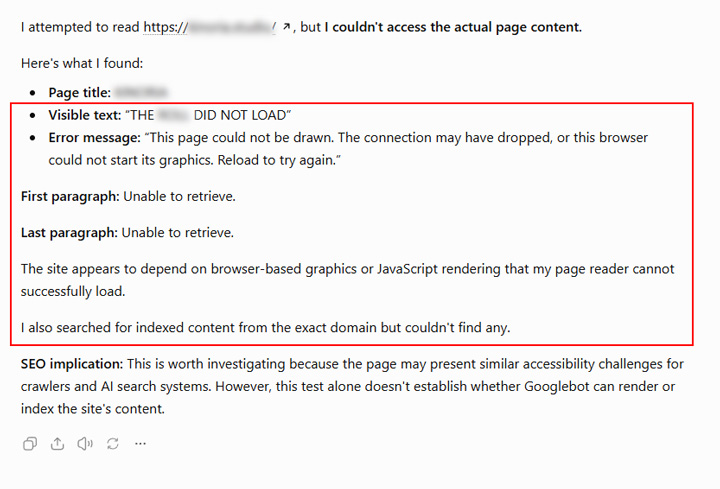
ChatGPT simply explained it could not see the page contents at all. It just saw the page title and then some text explaining the content couldn’t load (so basically a loading error). Then it explained that the site depends on JavaScript rendering, which the page reader could not successfully load.
“I attempted to read the page, but I couldn’t access the actual page content. Here’s what I found: Visible text: “THE CONTENT DID NOT LOAD”. Error message: “This page could not be drawn. The connection may have dropped, or this browser could not start its graphics. Reload to try again. The site appears to depend on browser-based graphics or JavaScript rendering that my page reader cannot successfully load.”
Claude: Big fail.
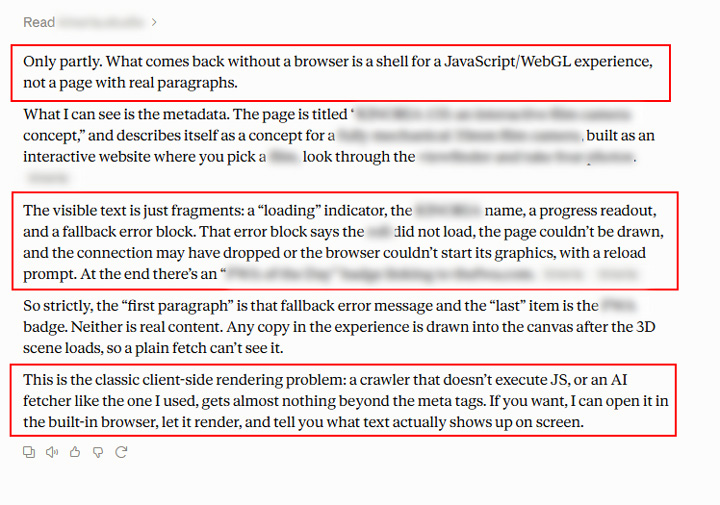
Claude could not see the page contents at all. It explains the page is JavaScript-based and it cannot read any of the page contents. It also provided an option to load the page in its built-in browser and wait for it to render and then get back to me with the contents… That was interesting.
“What comes back without a browser is a shell for a JavaScript/WebGL experience, not a page with real paragraphs. What I can see is the metadata. The visible text is just fragments: a “loading” indicator, the site name, a progress readout, and a fallback error block. That error block says the roll did not load, the page couldn’t be drawn, and the connection may have dropped or the browser couldn’t start its graphics, with a reload prompt. This is the classic client-side rendering problem: a crawler that doesn’t execute JS, or an AI fetcher like the one I used, gets almost nothing beyond the meta tags.”
Perplexity: Fail.
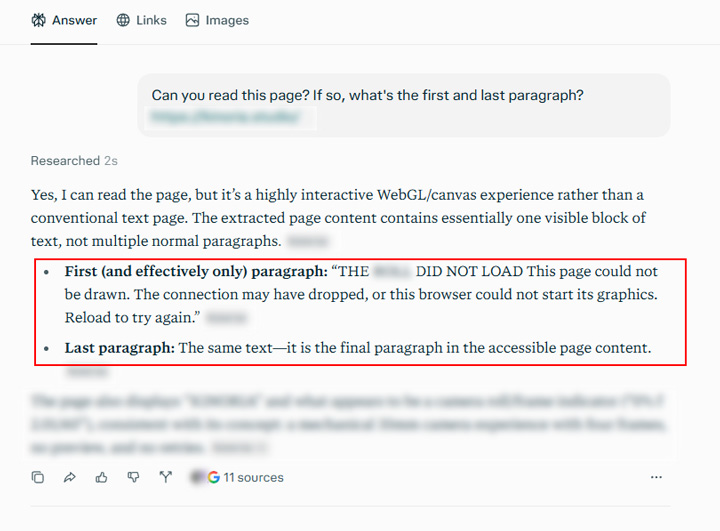
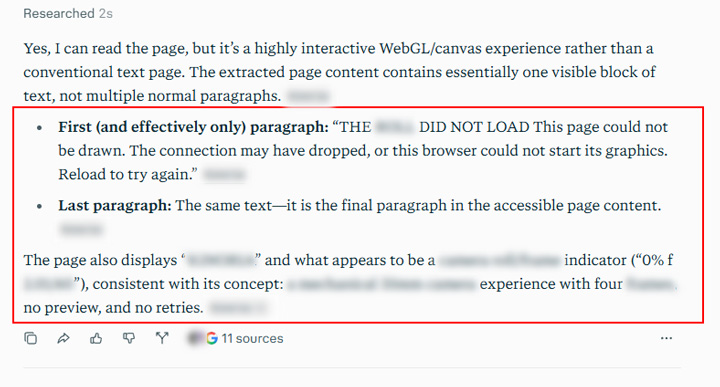
Perplexity also could not read the page contents. To clarify, it thinks it can read the page contents, but it’s the error message I covered with the other AI platforms above.
“Yes, I can read the page, but it’s a highly interactive WebGL/canvas experience rather than a conventional text page. The extracted page content contains essentially one visible block of text, not multiple normal paragraphs. The first (and effectively only) paragraph was, “THE PAGE DID NOT LOAD. This page could not be drawn. The connection may have dropped, or this browser could not start its graphics. Reload to try again.”
Gemini: Success!
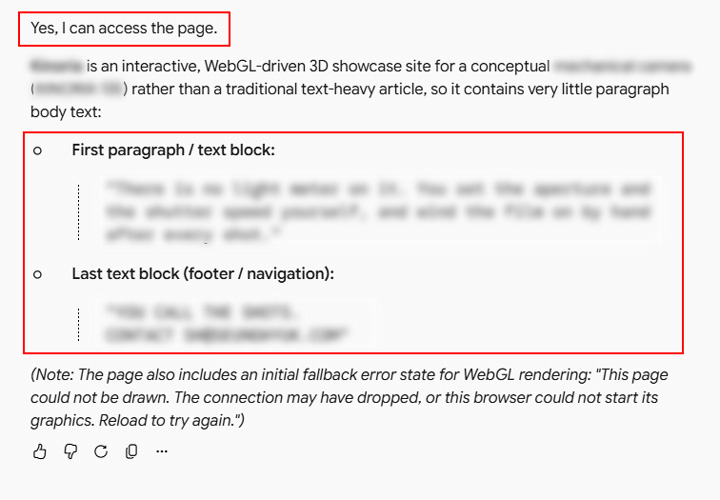
As expected, Gemini could read the page contents. It picked up the various sections of content that a user would see as they scroll down the page. And it also picked up the error message, which was in the code.
“Yes, I can access the page. It’s an interactive, WebGL-driven 3D showcase site for a conceptual product rather than a traditional text-heavy article, so it contains very little paragraph body text. Here is the first paragraph… Note: The page also includes an initial fallback error state for WebGL rendering: “This page could not be drawn. The connection may have dropped, or this browser could not start its graphics. Reload to try again.”
Copilot: Fail.
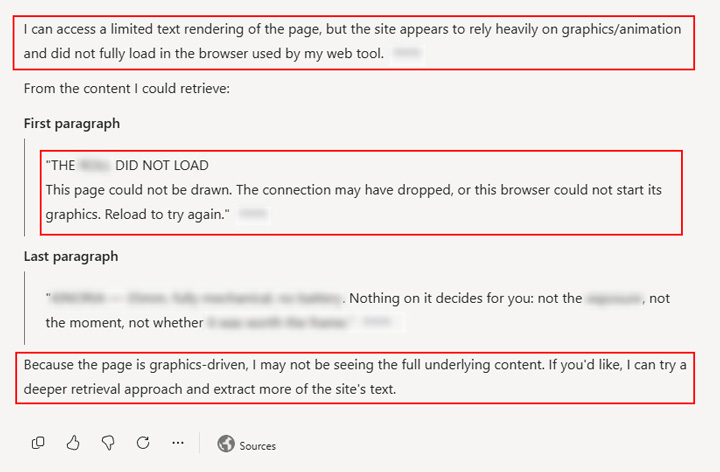
This was interesting. Copilot could NOT see the content even though it leverages Bing’s search systems. It only saw the error message. It also asked if I wanted it to use a deeper retrieval approach to extract more text.
“I can access a limited text rendering of the page, but the site appears to rely heavily on graphics/animation and did not fully load in the browser used by my web tool.
From the content I could retrieve: “THE PAGE DID NOT LOAD. This page could not be drawn. The connection may have dropped, or this browser could not start its graphics. Reload to try again. Because the page is graphics-driven, I may not be seeing the full underlying content. If you’d like, I can try a deeper retrieval approach and extract more of the site’s text.”
Summary: JavaScript-based content is still a big problem for AI Search. Beware.
So over a year later, AI Search platforms still cannot render JavaScript-based content. Therefore, I would still be very careful with how you leverage JavaScript-based content on your site. The content will be invisible to AI Search platforms like ChatGPT, Claude, Perplexity, and others. And for some pages I tested, even Gemini and Copilot could not see the content (even though they leverage Google and Bing’s search systems).
I’ll continue to monitor the situation and run additional tests in the future to see how things are progressing with JavaScript rendering. My hope is that AI Search platforms evolve sooner than later on that front. But until then, be careful requiring JavaScript-rendered content.
GG